



- Written by: tecklix@admin@
- October 10, 2026
- Categories: Local SEO
- Tags: , digital marketing agency in Ahmedabad, Google Business Profile Ahmedabad, Google Business Profile Optimization, Google Maps ranking, Google My Business Ahmedabad, Local SEO Ahmedabad, local SEO services, SEO services in Ahmedabad, Tecklix Technologies
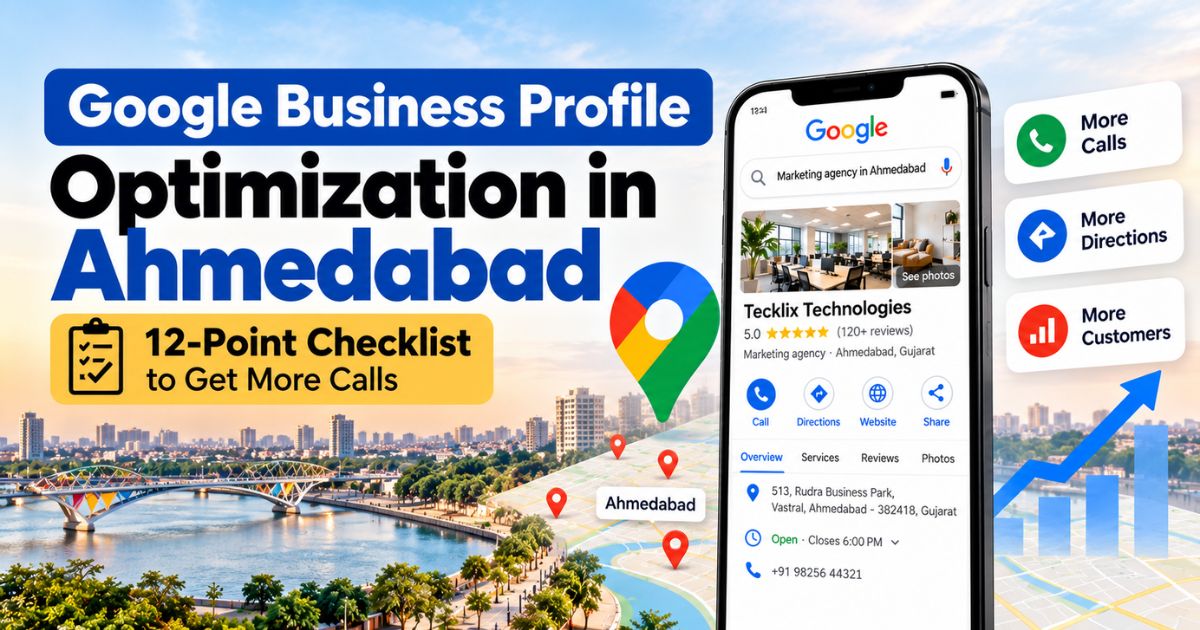
Google Business Profile Optimization in Ahmedabad – 12-point checklist to get more calls
When someone in Ahmedabad searches “clinic near me”, “CNC machine supplier in Vatva” or “digital marketing agency in Vastral”, Google shows a map with three businesses first. Those three listings get most of the calls, direction requests and website visits. The rest are hidden unless the person clicks “More places”.
Those listings come from Google Business Profile (GBP), the free profile that appears in Google Maps and Google Search. A well-optimized profile is often the fastest way for a local business to get enquiries, even before the website ranks.
In this guide, we share a practical 15-point checklist based on the way we set up and manage profiles for businesses across Ahmedabad and Gujarat. Tecklix Technologies is based at 513, Rudra Business Park, Vastral, Ahmedabad, and we handle local SEO along with website, ads and social media for manufacturers, clinics, builders and retail brands.
Google Business Profile Optimization Checklist:
1. Claim and verify your profile
Search for your business on Google Maps first. If a listing already exists, claim it instead of creating a duplicate. Duplicate listings split your reviews and confuse Google. Complete verification (video, phone, email or postcard, whichever Google offers) so that your profile is fully active and you can edit it.
2. Use your real business name only
Use the same name that is on your signboard, visiting card and website. Do not add keywords or locations like “Best SEO Company in Vastral Ahmedabad” to the name field. This breaks Google’s guidelines and can get your profile suspended, which hurts far more than it helps.
3. Choose the right primary and secondary categories
The primary category is one of the strongest signals for what you rank for. Pick the one that describes your main business most precisely, for example “Marketing agency” or “Internet marketing service” rather than a vague option. Add secondary categories only for services you genuinely offer. Check what your top-ranking competitors use as their primary category and learn from it.
4. Set your address and service area correctly
If customers visit your office or shop, show your full address and place the map pin exactly on your building. If you travel to customers, you can set service areas (for example Ahmedabad, Gandhinagar) and hide the address. Do not list areas you do not actually serve.
5. Add a local phone number and the right website link
Use a phone number that your team answers. Link to the most relevant page, which can be your homepage or a dedicated local page, such as your Ahmedabad services page. Add UTM parameters to the website link so you can see GBP traffic separately in Google Analytics.
6. Keep business hours and special hours updated
Set accurate hours for every day and add special hours for Diwali, Uttarayan and other holidays. Customers who reach a closed business with wrong hours leave bad reviews, and Google may show your listing as less reliable.
7. Write a clear business description
You get 750 characters. Explain what you do, who you serve and where you are located, in natural language. Put the most important information in the first 250 characters because that is what usually shows first. Do not use phone numbers, links or promotional offers here.
Example format:
“[Business name] is a [service] company in [area], Ahmedabad. We help [type of customer] with [main services]. [One line about experience or number of projects]. Call us or visit our office at [area] for a free consultation.”
8. Add all your services and products
List each service with a short description (and price range where possible). This helps Google match your profile to specific searches such as “Google Ads agency Ahmedabad” or “website development company Vastral”. Use the same service names that you use on your website.
9. Upload real photos and videos
Add your logo, cover photo, office exterior (so people can find you), interior, team, products, machines and work samples. Real photos work better than stock images. Add new ones regularly, at least a few every month.
10. Ask for Google reviews consistently
Reviews are one of the biggest prominence signals and the first thing customers read. Share your review link with happy customers on WhatsApp, email or after a project is delivered. Ask every customer, not just the ones you think will be positive.
Do not offer discounts or gifts for reviews, do not review your own business, and do not buy reviews. Google can remove them and penalize the profile.
11. Reply to every review, good or bad
Thank customers who leave positive reviews and mention the service they took. For negative reviews, reply politely, acknowledge the problem and offer to solve it offline. A calm, professional reply shows future customers that you care, and it matters for trust.
12. Post updates regularly
Use the Updates or Posts feature for offers, new projects, events or helpful tips. Add a photo and a clear button such as “Call now” or “Learn more”. Posts keep the profile active and give customers fresh information, although you should not expect posts alone to push your ranking.
Common Google Business Profile Mistakes to Avoid:
- Adding keywords or area names to the business name
- Creating multiple profiles for the same business or the same address
- Wrong map pin or an incomplete address
- Choosing too many unrelated categories
- Never replying to reviews
- Using stolen or stock photos
- Ignoring suspension warnings and not following Google’s guidelines
- Setting up the profile once and never updating it
How Long Does Google Business Profile Optimization Take to Show Results?
Basic changes like correcting categories, adding services and uploading photos can improve visibility within a few weeks. Ranking in the top 3 map results usually takes longer, often 2 to 4 months, depending on your competition, your location and how many genuine reviews you have.
Be careful of anyone who promises a Google Maps rank in a fixed number of days. Rankings change based on where the person is searching from, so the same keyword can show different results in Vastral and in Satellite.
Should You Do It Yourself or Hire an Agency?
You can do the basic setup yourself with this checklist. An agency helps when:
- You face verification or suspension issues
- Competition is high and you need a proper strategy
- You have several locations or service areas
- You do not have time to manage reviews, posts and tracking every month
At Tecklix Technologies, our local SEO work includes profile setup and optimization, category and service research, review strategy, local citations and monthly reporting. We start with a free audit of your profile and website, so you know exactly what to fix before you spend anything.
A complete and active Google Business Profile helps people in Ahmedabad find you, trust you and contact you faster than almost any other marketing step. Start with the 15 points above, update the profile every month and keep collecting genuine reviews.
If you want an expert to check your profile, book a free audit with Tecklix Technologies. We will review your profile, website and local competitors and tell you what to fix first.
Call: +91 98256 44321
Email: hello@tecklix.com
Visit: 513, Rudra Business Park,
Vastral, Ahmedabad – 382418, Gujarat
Book a free consultation: https://tecklix.com/contact-us/
FAQs:
What is the difference between Google Business Profile and Google My Business?
They are the same thing. Google renamed Google My Business to Google Business Profile, and you now manage it directly from Google Search and Google Maps.
How do I create a Google Business Profile for my business in Ahmedabad?
Search for your business on Google Maps and claim it if it already exists. If not, add it as a new business with your name, category, address or service area, phone number and website, then complete the verification Google asks for.
Why is my Google Business Profile verification failing?
Common reasons are an unclear video or proof of the business, an address that does not match your real location, a shared or virtual office address, or incomplete details. Follow Google’s instructions carefully and show your signboard, premises and equipment in the verification video.
Can I have a Google Business Profile for a home-based business?
Yes. If customers do not visit your home, hide your address and set service areas instead, such as Ahmedabad and Gandhinagar.
How do I get more Google reviews from customers?
Share your direct review link on WhatsApp, email or invoices right after you deliver the service. Ask every customer politely and reply to each review. Do not offer gifts or discounts in return, because Google does not allow it.
What should I do if someone leaves a fake or negative review?
Reply politely and professionally first. If the review is fake or breaks Google’s policies, flag it for removal from your profile. Do not argue with the reviewer publicly.
Does Google Business Profile help B2B and manufacturing companies?
Yes. Buyers often search for suppliers by city or industrial area, such as “manufacturer in Vatva” or “supplier in Ahmedabad”. A complete profile with products, photos and reviews helps your company appear in those local results.
How often should I update my Google Business Profile?
Check it at least once a month. Add new photos and posts, update hours for holidays, reply to reviews and review your services and performance data.
Can I have more than one Google Business Profile for multiple locations?
Yes, if each location is a real place where you have staff or serve customers. Each location needs its own profile, with its own address, phone number and verification. Do not create profiles for fake or virtual locations.
What happens if my Google Business Profile gets suspended?
Your profile may stop showing in Google Maps and Search. Check the reason in your account, fix the issue (usually a name, address or guideline violation) and submit a reinstatement request with proof of your business. If you are stuck, a local SEO expert can guide you through the process.